Inventory
Know exactly what you have, where it is, and when to reorder — across every warehouse.
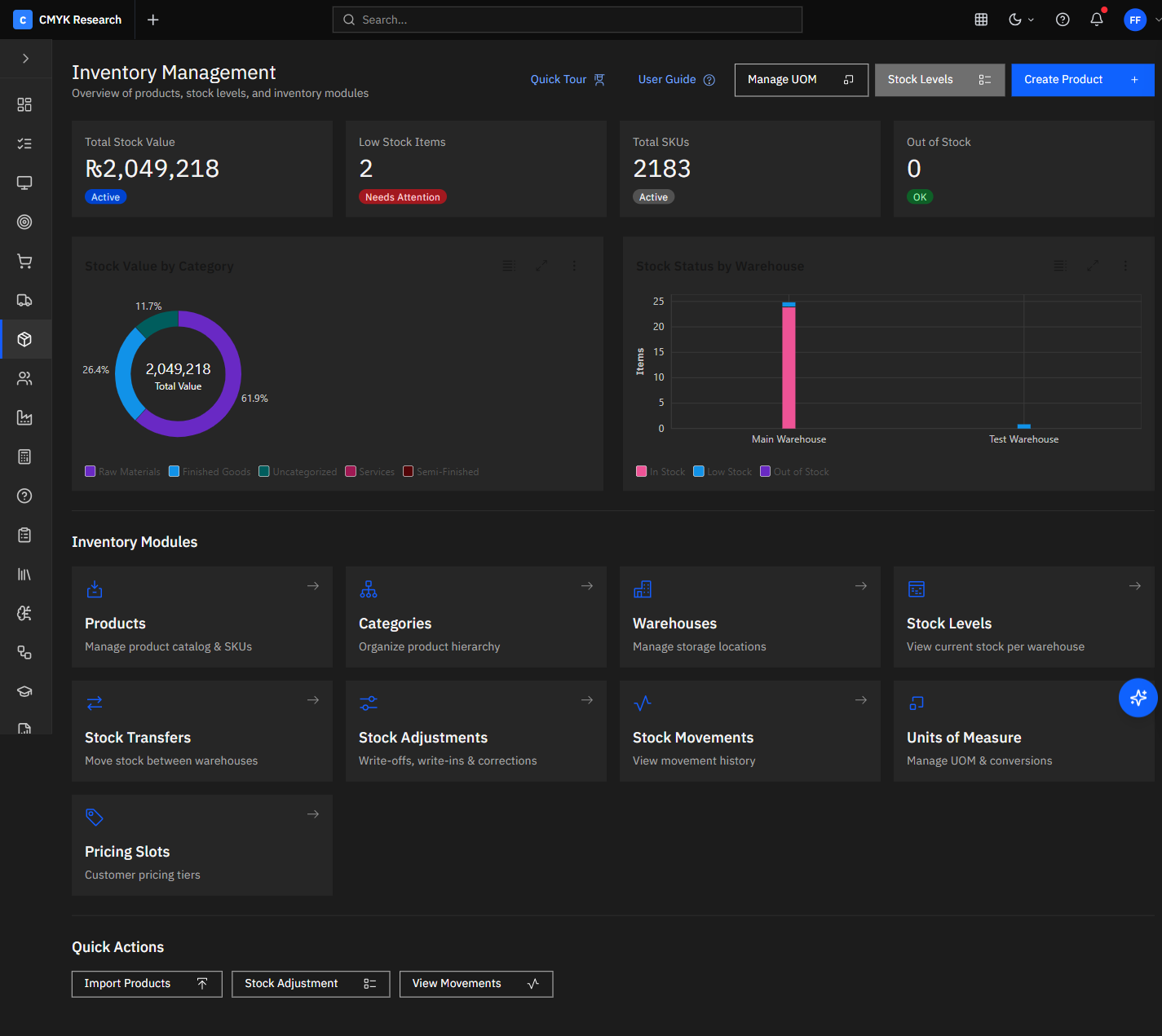
Overview
Carbon ERP Inventory gives you one live picture of stock across every warehouse, shelf and van — with batches, serials, units of measure and reorder points built in. Because it shares the same data model as Sales, POS and Purchases, a movement anywhere updates everywhere the instant it happens, so counts never drift and you always know what to reorder.
Capabilities
Built to do the real work.
Multi-warehouse & locations
Track stock by warehouse, bin and van with transfers on record — one number you can trust, everywhere.
Batches & serial numbers
Lot traceability with expiry for batch-controlled goods, and a serial register for serialised ones: each unit captured on receipt, scanned at the sale, with its history and warranty.
Units & pricing slots
Buy in cartons, sell in pieces. Multiple units of measure and tiered pricing slots per item.
Reorder intelligence
Per-item reorder points and low-stock alerts feed automations that raise replenishment for approval.
What you can do
What Inventory does
- Multi-warehouse stock
- Batches & serial numbers
- Stock transfers
- Low-stock alerts
- Units of measure & pricing slots
- Bulk CSV import
Selling in Sales or POS reduces stock here; receiving a purchase order restocks it; stock values post to Accounting.
Automate low-stock reordering with the Flow Studio — a threshold event can raise a purchase requisition and route it for approval.
How it works
From event to outcome, automatically.
Receive
A goods-received note from Purchases restocks the right warehouse automatically.
Sell
A Sales or POS transaction draws stock down in real time — no nightly sync.
Replenish
Crossing a reorder point fires an automation that raises a purchase requisition.
Value
Stock movements post valuation to Accounting so your balance sheet stays current.
Works well with
Related modules
Because they share one data model, these light up together.
Questions