Accounting
Start with a simple cashbook, switch on full double-entry when you're ready — your books stay current either way.
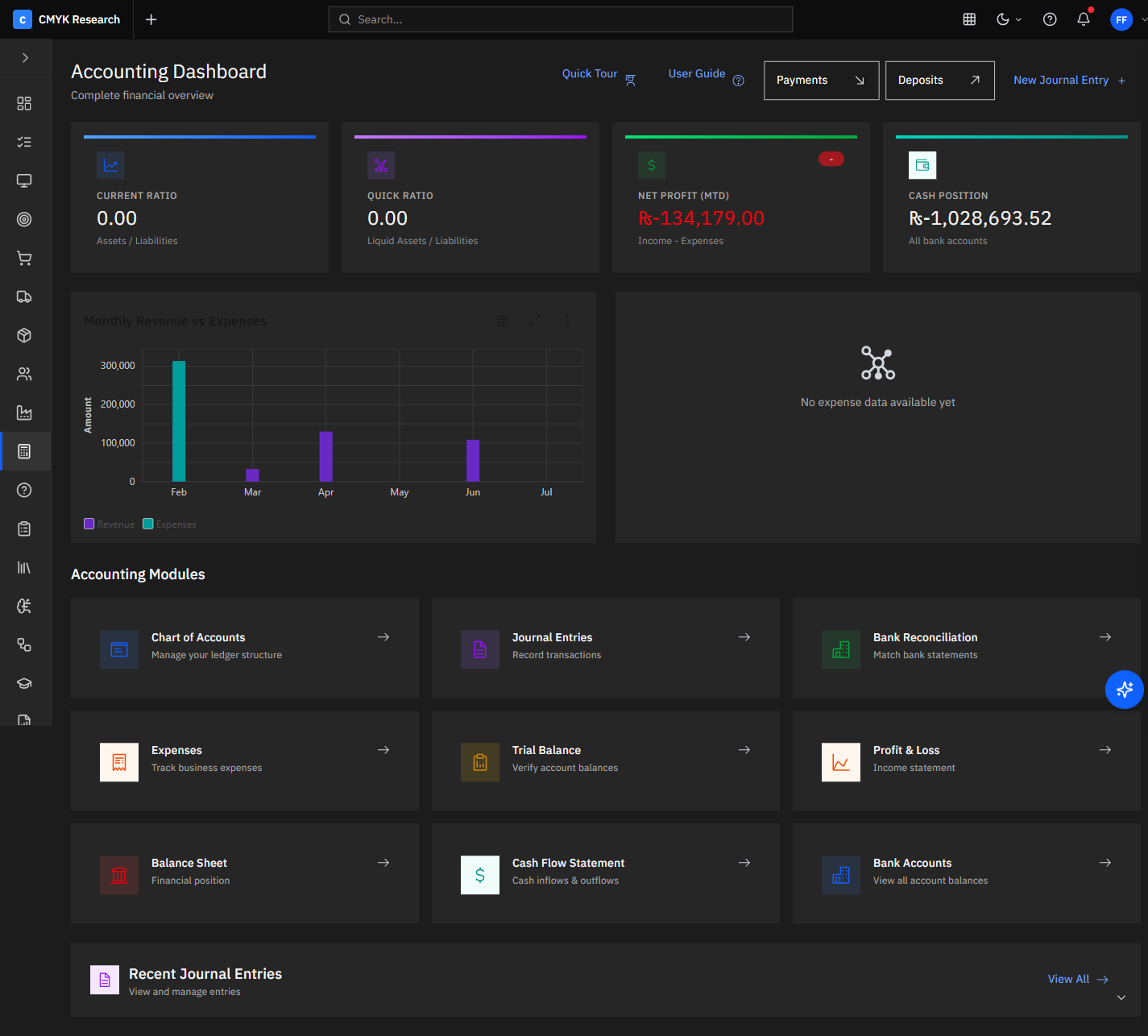
Overview
Start with a simple cashbook and switch on full double-entry when you are ready — either way your books stay current because Accounting receives invoices, bills, payments and payroll automatically from every other module. Chart of accounts, journals, banking, fiscal years and statements are all built in, multi-currency throughout.
Capabilities
Built to do the real work.
Simple or double-entry
Begin with a cashbook; graduate to full double-entry accounting without changing systems.
Statements on tap
Balance sheet, P&L, trial balance and cash flow generated from live journals.
Banking & reconciliation
Record bank transactions and expenses and keep accounts reconciled.
Fiscal years & multi-currency
Manage periods and report across PKR, AED, USD, GBP and CAD.
What you can do
What Accounting does
- Chart of accounts & journals
- Banking & expenses
- Fiscal years
- Balance sheet & P&L
- Trial balance & cash flow
- Multi-currency
Receives invoices, bills, payments and payroll automatically from every other module.
Ask the finance advisor why margin moved this month — it reads your live journals and cites every figure.
How it works
From event to outcome, automatically.
Post
Sales, Purchases, POS and Payroll journal to the ledger automatically.
Reconcile
Match bank activity and expenses to keep accounts clean.
Report
Produce statements from live data — no month-end scramble.
Explain
Ask the finance advisor why a number moved; it cites the journals.
Works well with
Related modules
Because they share one data model, these light up together.
Questions